Three workspaces, one intelligent instrument
Study, research, and code in connected workspaces — each pairing powerful retrieval with disciplined reasoning, so the work you produce is not just plausible, but defensible.
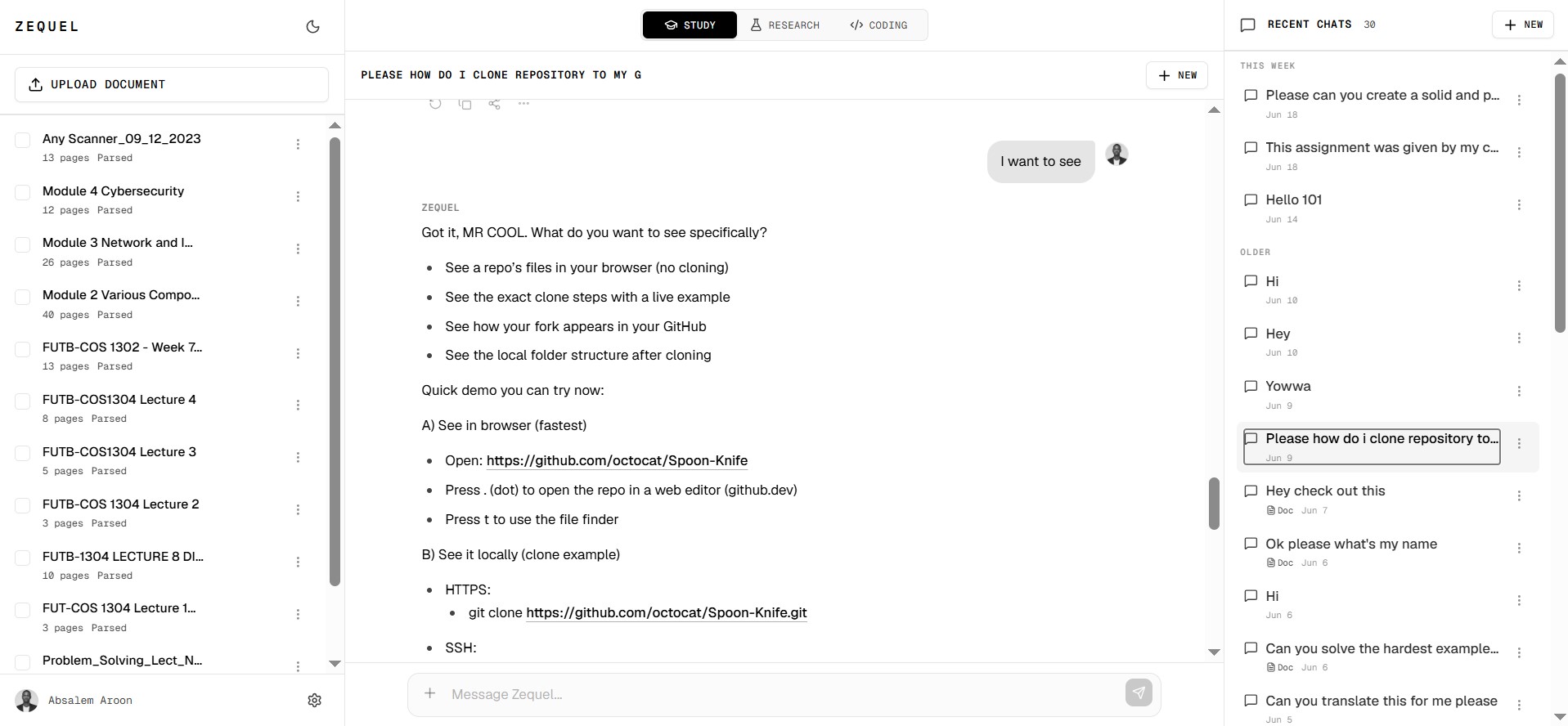
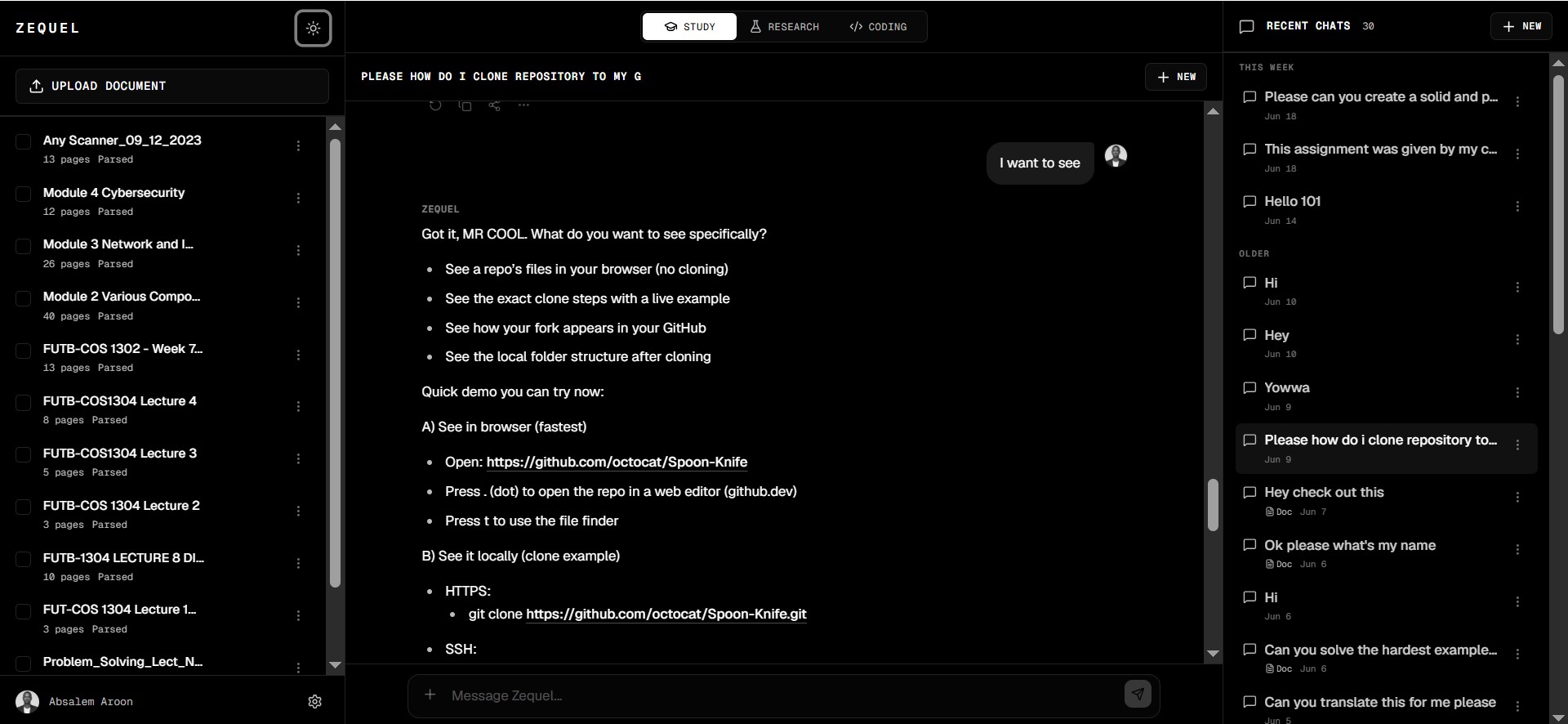
Read, ask, and learn in one place
Study mode brings your documents and an AI tutor into a single focused view. Read source material on one side, ask questions on the other, and keep every answer anchored to the passages it came from.
- Documents and chat side by side
- Answers anchored to the source text
- Everything saved to your study
Deep research, grounded in evidence
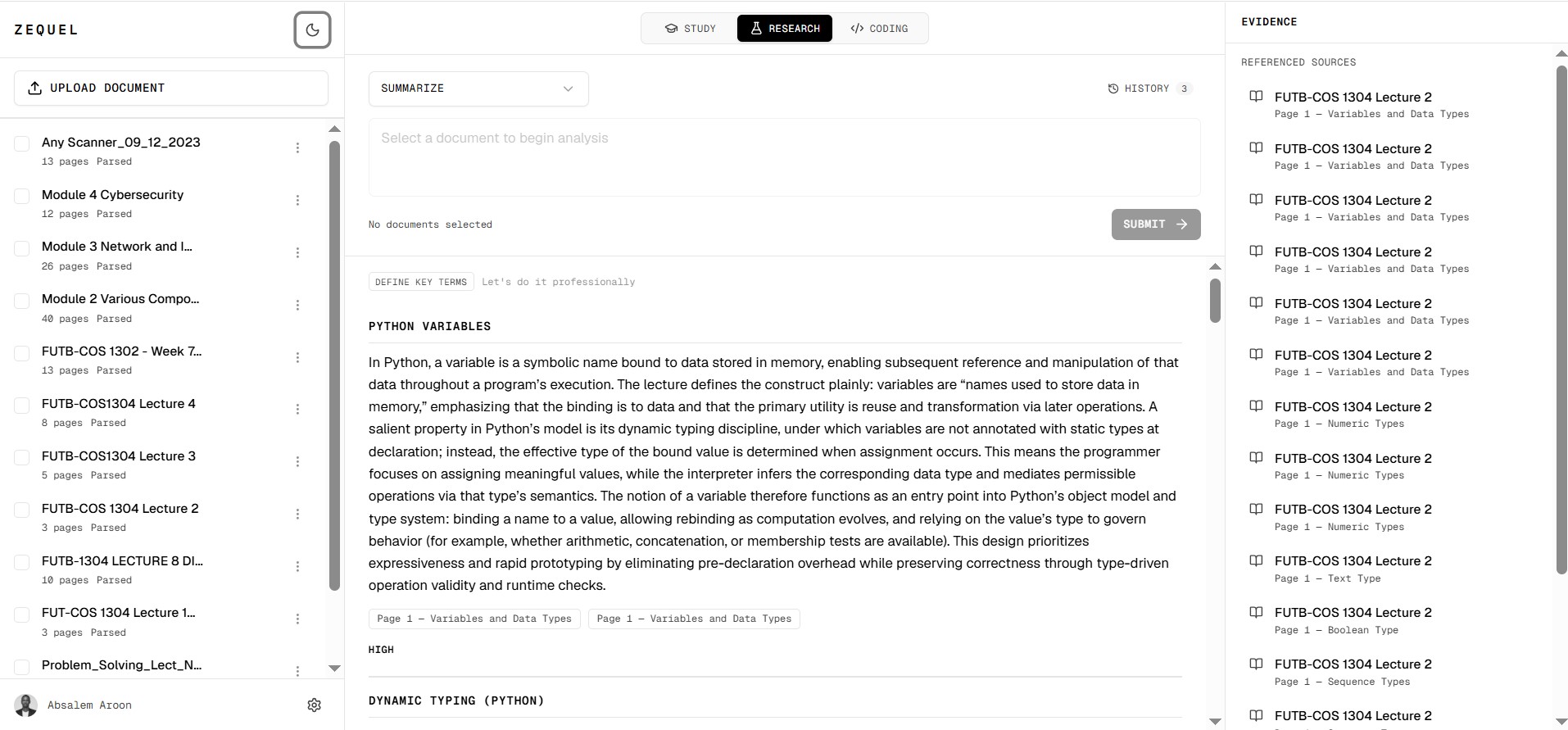
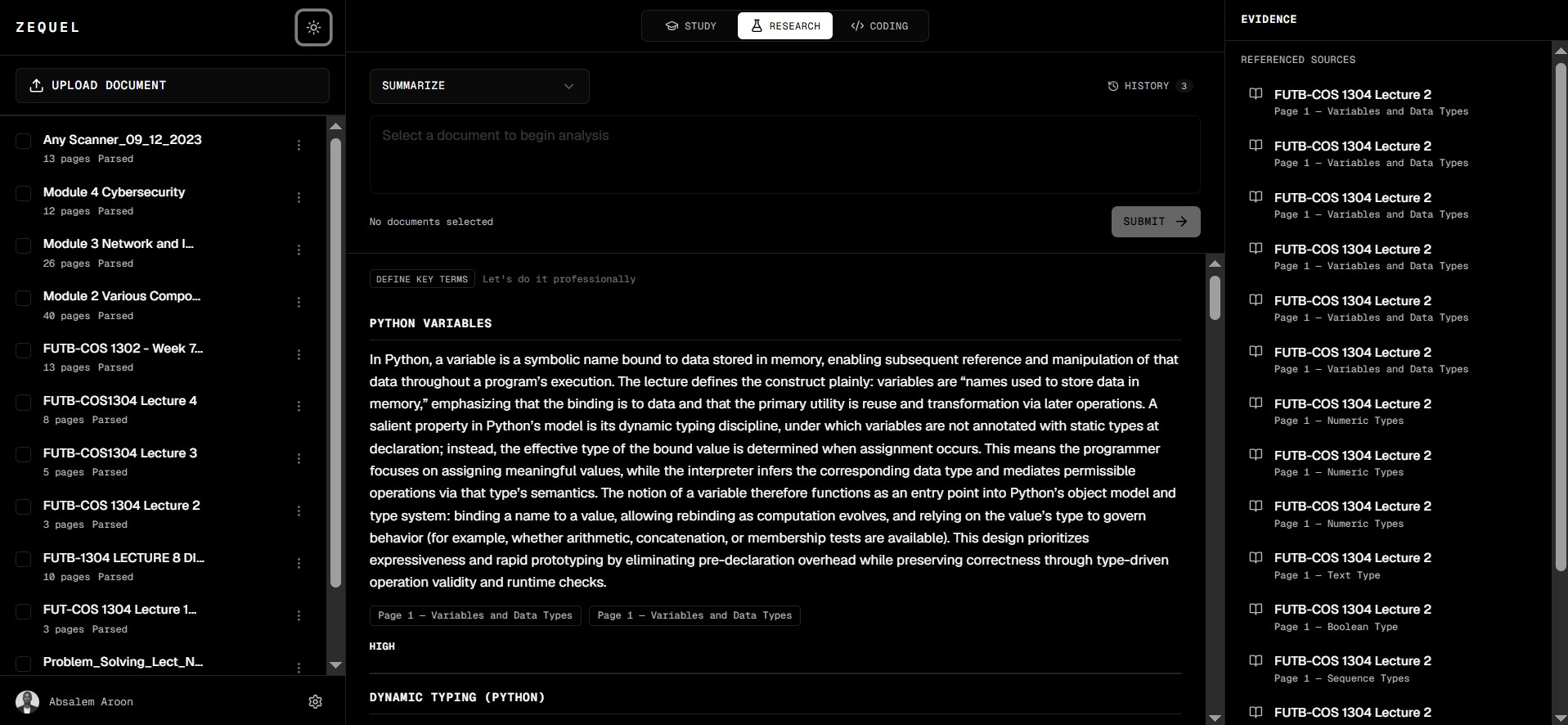
Research mode lets you summarize, define key terms, and analyze documents at depth. Every response is backed by an evidence panel listing the exact referenced sources and pages, so conclusions stay defensible.
- Summarize and define key terms
- Evidence panel with referenced sources
- Page-level citations you can verify
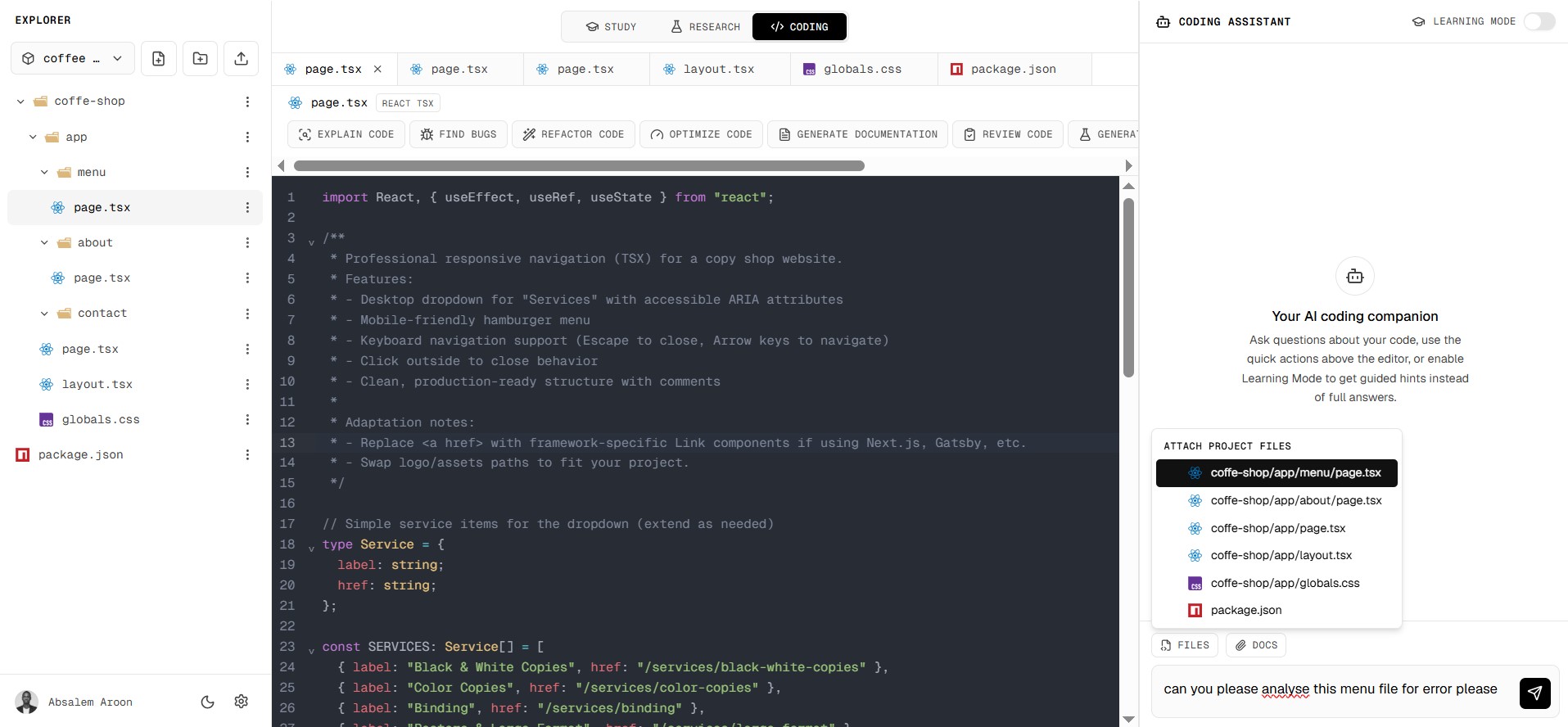
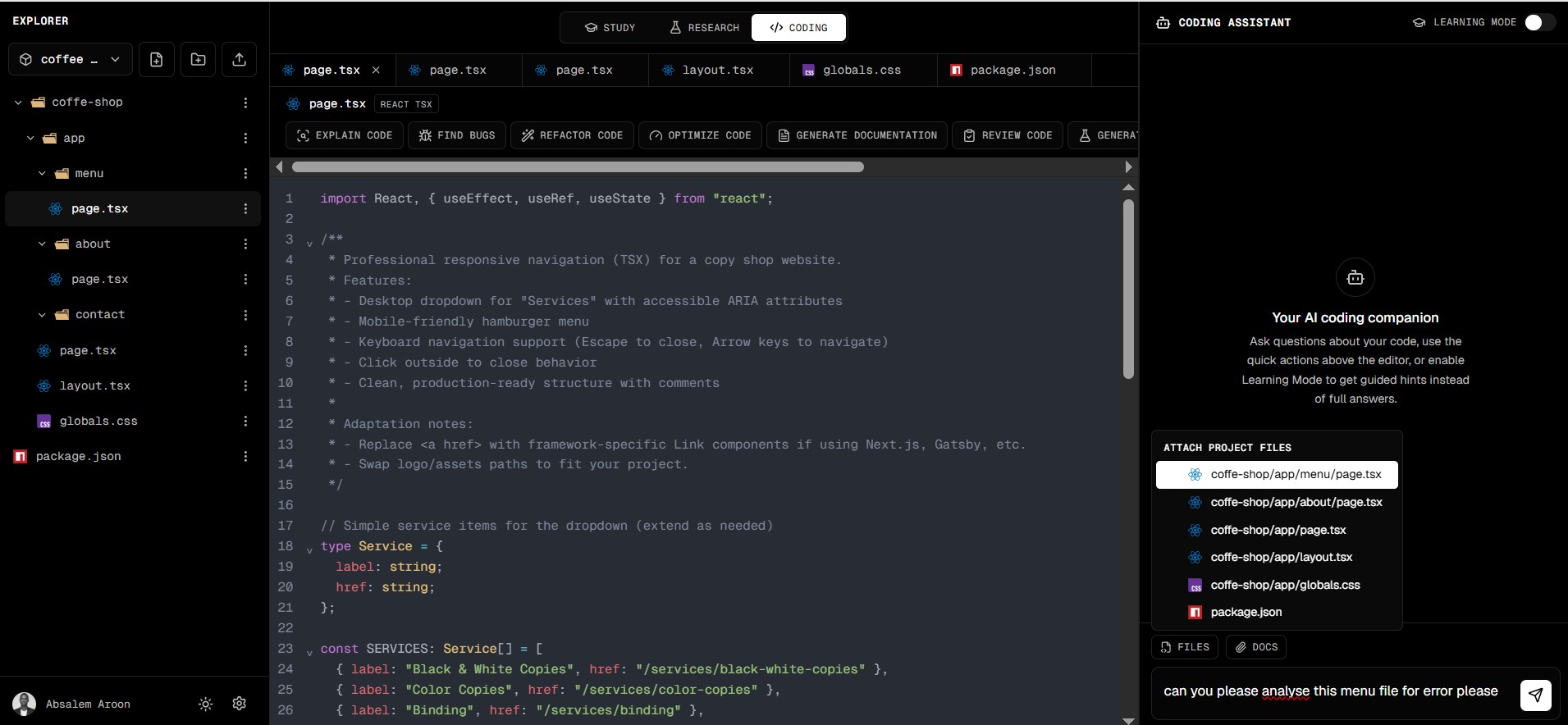
Code with an AI companion that knows your project
Coding mode pairs a full editor with an AI assistant that reads your files for context. Explain code, find bugs, refactor, optimize, and generate documentation — with a Learning Mode that guides you instead of just handing over answers.
- Explain, refactor, and review code
- Attach project files for real context
- Learning Mode for guided hints
Start building research you can defend
Join researchers, analysts, and teams who treat evidence as non-negotiable. Free to start, no credit card required.